
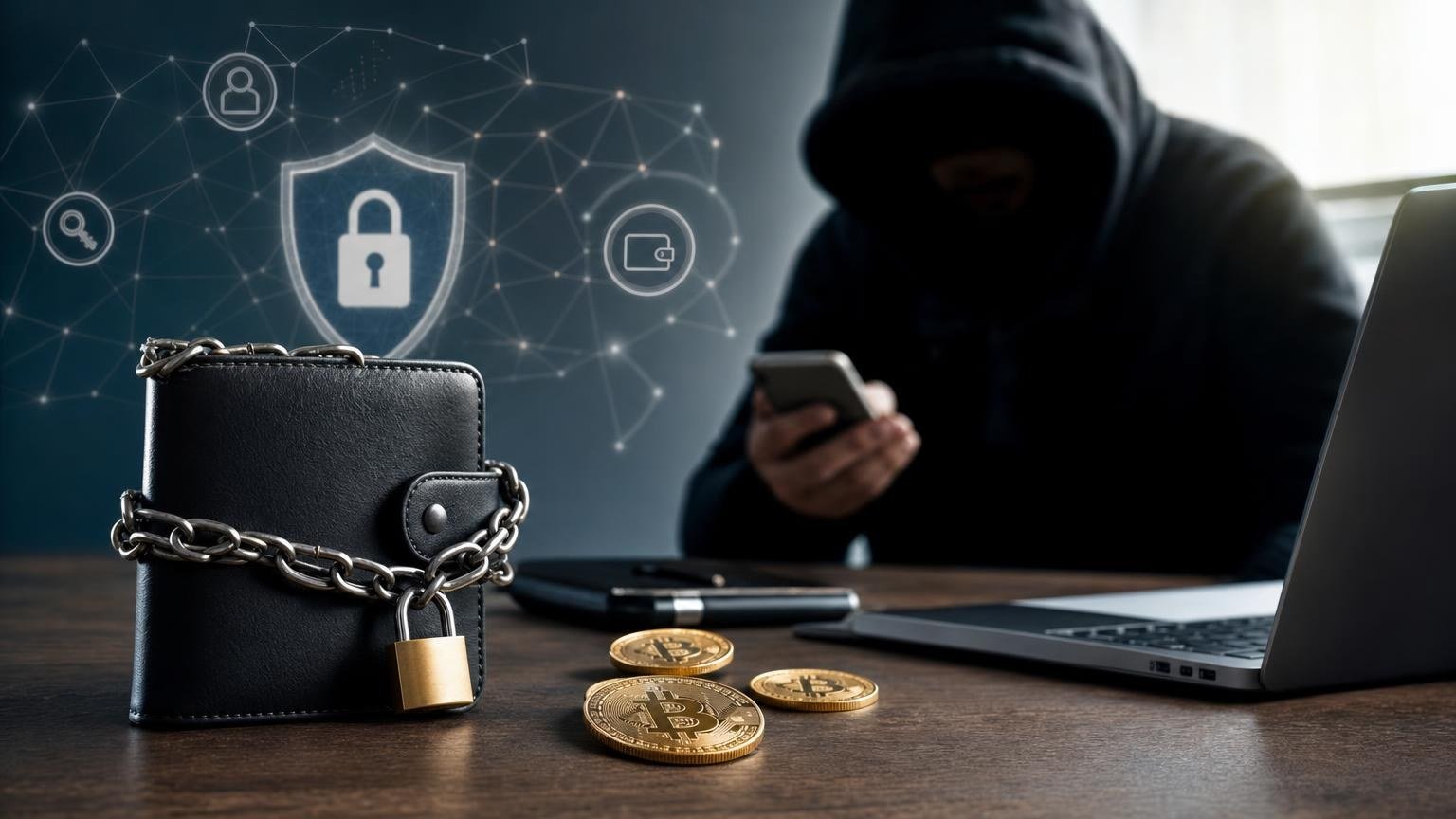
A cryptocurrency exchange needs a valid transfer, not control of your wallet. To complete a legitimate swap, you may need to select an asset and network, copy a deposit address, enter a Memo or Tag when required, review the amount, and authorize the transaction inside your own wallet. None of those steps requires sending anyone your seed phrase or private key.
If a website, support agent, chat account, browser extension, or “verification specialist” asks for either secret, the operation has left the safe exchange route. Stop before entering, photographing, uploading, or dictating anything.
The boundary between exchanging funds and surrendering a wallet
A private key enables transactions to be authorized for the blockchain account it controls. A seed phrase—also called a recovery phrase, mnemonic, recovery seed, or wallet backup—can be used to reconstruct private keys and regain access to a wallet. Depending on the wallet structure, one phrase may protect multiple accounts, addresses, and assets. Official wallet security guidance therefore treats the recovery phrase as a secret that must not be shared or entered into ordinary websites and apps. [1]
A real exchange flow works with public transaction data. The service provides receiving details; your wallet signs locally; the blockchain records the transfer. The recipient can monitor the transaction through its public identifier without learning the secret used to authorize it.
This distinction gives you a fast legitimacy test:
- Normal request: send a supported asset to a displayed deposit address using the specified network.
- Normal request when applicable: include the exact Memo, Tag, payment ID, or other destination identifier shown in the order.
- Dangerous request: reveal words from the seed phrase, export a private key, upload a wallet backup, or enter secrets into a “synchronization” form.
Wallet recovery is a separate operation. A recovery phrase may be needed when restoring your own wallet in a trusted recovery environment, but it is not an exchange credential. An exchanger does not need it to receive a blockchain payment.
Operation state map: from exchange task to confirmed result
- State 1 — Define the task.
- Transition condition: you know which asset you are sending and which asset or destination you expect to receive.
- Check: the order describes an exchange or transfer, not wallet “activation,” “validation,” “unlocking,” or remote recovery.
- If it does not match, stop: do not continue if completing the task supposedly requires access to the wallet itself.
- State 2 — Collect only the necessary public inputs.
- Transition condition: the route provides the asset, network, deposit address, required destination identifier, amount rules, and recipient details.
- Check: no seed phrase, private key, wallet-backup file, PIN, or remote screen access is requested.
- If it does not match, stop: a secret-key request cannot be made safe by a support badge, urgent countdown, or promise of reimbursement.
- State 3 — Verify asset and network compatibility.
- Transition condition: the asset and sending network selected in your wallet exactly match the receiving instructions.
- Check: compare the network names on both sides rather than assuming that matching ticker symbols are enough.
- If it does not match, stop: do not send through a cheaper or more familiar network unless that exact network is accepted for the order.
- State 4 — Verify the destination.
- Transition condition: the pasted address matches the displayed address, and any required Memo or Tag is present.
- Check: compare the beginning and end of the address after pasting, then inspect the complete value where the wallet interface permits.
- If it does not match, stop: an address altered by clipboard malware, a missing identifier, or an unexpected address format invalidates the route.
- State 5 — Review the amount and fee.
- Transition condition: the amount entered follows the order instructions, and the wallet shows enough balance for both the transfer and the network fee.
- Check: distinguish the amount being sent, the network fee, and any estimated amount shown by the exchange. Treat estimates as estimates until the applicable terms are displayed.
- If it does not match, stop: do not improvise a different amount or split the payment unless the current order explicitly permits it.
- State 6 — Authorize locally.
- Transition condition: the wallet’s confirmation screen repeats the intended asset, network, destination, amount, and fee.
- Check: the signature is created in your wallet or hardware device; no secret is copied into the exchange page.
- If it does not match, stop: reject any unexplained contract approval, changed destination, unlimited token permission, or request to export keys.
- State 7 — Wait for observable progress.
- Transition condition: the wallet supplies a transaction hash and the appropriate blockchain explorer can display the transaction.
- Check: monitor its status and confirmations rather than relying only on a screenshot or message from another person.
- If it does not match, stop escalation: do not reveal secrets to “accelerate” a transfer. Diagnose the transaction using its public hash.
- State 8 — Confirm the result or enter recovery mode.
- Transition condition: the transfer has the required blockchain status and the expected asset is credited to the intended destination.
- Check: compare the transaction hash, destination, asset, network, amount, and order status.
- If it does not match, stop sending more: preserve the order details and transaction hash, then follow the diagnostic branches below.
The last checks before the irreversible step
Asset and network
The same asset name may appear on more than one network. The receiving service must support the exact network used by the sender; an address that looks plausible does not prove compatibility. Current availability can vary by exchange direction, asset, and operational conditions, so verify the offered route before creating or paying an order.
If the route changes after the order is created—for example, the wallet displays a different network from the deposit instructions—the original task is no longer being followed. Cancel the signing step and resolve the mismatch first.
Address and Memo or Tag
A destination address is public and is meant to be shared. A private key is secret and must remain under the wallet owner’s control. Do not confuse a receiving address, transaction hash, account identifier, and private key merely because each may appear as a long string of characters.
Some receiving platforms use a shared address plus a Memo or Tag to route a deposit to the correct account. When the receiving instructions require this field, an omitted or incorrect value can delay crediting or put the funds at risk. The receiving platform—not the sender’s guess—determines whether the identifier is required. [2]
A small test transfer can reduce address-entry risk in some wallet-to-wallet situations, but it is not automatically suitable for an exchange order. Use one only when the order terms allow multiple or test payments; otherwise, changing the expected amount may create a different problem.
Amount, network fee, and expected output
Check which figure is deducted from your wallet and which figure is expected at the destination. The network fee is paid to process the blockchain transaction and may affect the total balance required. Do not assume an estimated output, fee, or processing time will remain unchanged unless the current order explicitly states its applicable conditions.
Requirements may also depend on the direction of the operation and the results of compliance checks. Confirm the current requirements before creating the order rather than sending funds first and asking what documents or conditions apply later.
Once the asset, network, address, destination identifier, amount, fee, and current requirements all match, you can open the exchange route and verify its available terms. Keep wallet secrets offline throughout the process.
Red flags that mean the route has changed
Scammers often introduce the dangerous step after several ordinary-looking screens. A deposit address may be followed by a fake error, or a counterfeit support agent may claim that the wallet must be “linked” before the exchange can finish.
Stop immediately if you encounter any of these requests:
- enter all or selected words from the seed phrase;
- send a photograph, screenshot, cloud copy, or encrypted archive of the wallet backup;
- export and paste a private key;
- install an unknown wallet update or browser extension from a message;
- share the screen while opening backup or security settings;
- move to a private chat with someone claiming they can manually confirm the wallet;
- send another payment to release, insure, verify, or reverse the first one without clear order terms.
Official wallet guidance warns that possession of a wallet backup can allow another person to restore the wallet on a different device. Phishing pages and impersonated support accounts specifically target these secrets. [1]
Urgency does not change the technical requirement. A recipient needs a valid signed transaction. It does not need the secret capable of signing additional transactions.
If the seed phrase or private key was already exposed
Treat a copied, photographed, uploaded, dictated, or entered secret as compromised even if the page later showed an error. Deleting the message or closing the website does not make an exposed key secret again.
- Disconnect from the suspicious conversation, page, extension, or application.
- Do not reuse the exposed phrase or private key for future storage.
- From a trusted environment, create a new wallet with a new backup that has never been exposed.
- Verify the new receiving address on the trusted wallet or hardware-device screen.
- If you still control the compromised wallet, consider moving the remaining assets to the new wallet promptly, accounting for the correct networks and required fees.
- Review token approvals and connected applications where relevant; transferring one visible balance may not address every permission associated with an account.
- Preserve transaction hashes, messages, screenshots, and order records for any report to the platform or appropriate authorities.
There is no guarantee that funds can be recovered after an attacker transfers them. Blockchain transactions such as confirmed Bitcoin payments generally cannot be reversed by a wallet provider or exchanger; only the recipient can return funds sent to the wrong address. [3]
Delayed or incorrect transaction: diagnose without revealing secrets
No transaction hash appears
The transfer may not have been broadcast. Reopen the wallet from a trusted source and check its activity history, selected account, balance, network connection, and any displayed error. Do not repeatedly press Send until you know whether the first attempt exists on-chain.
A support team may need the public wallet address, order identifier, error message, or transaction hash if one later appears. It does not need the private key or seed phrase.
The transaction hash exists but remains pending
Open the appropriate blockchain explorer and verify that the hash belongs to the intended network. A transaction may wait because of network conditions or fee prioritization. Confirmation timing is not guaranteed; for Bitcoin, block discovery is probabilistic, and a fee below the level currently prioritized by the network can delay the first confirmation. [4]
Use only fee-management features supported by your wallet and the relevant protocol. Never pay a stranger who claims that a seed phrase or private key is required to “push” the transaction through the blockchain.
The transaction is confirmed but the exchange has not credited it
Compare the on-chain record with the order: asset, network, destination address, Memo or Tag, amount, and confirmation status. If they all match, contact the receiving service through its official support route and provide the order identifier and transaction hash. Additional processing or compliance review may still be required depending on the direction and review results.
If the network, address, or destination identifier is wrong, contact the operator controlling the receiving address. Assistance may be technically impossible, operationally restricted, or subject to the receiving platform’s rules. Do not assume that a confirmed transfer can be cancelled or recovered.
The received amount or asset is unexpected
Do not send a second transaction until the discrepancy is explained. Recheck the amount entered, network fee, order terms, selected assets, and transaction record. Crypto-asset values can be volatile, and displayed estimates may differ from a final result under the conditions shown for the operation. Rules, reporting duties, and available remedies also differ between countries; obtain qualified local advice where legal or tax interpretation is required.
What a completed route actually looks like
The route is complete when the intended transaction can be independently located on the correct blockchain, has reached the status required by the receiving service, and the expected destination shows the corresponding credit or completed order. A support message alone is not proof, and a blockchain confirmation alone does not prove that an order used the correct Memo, network, or amount.
Some uncertainty may remain around confirmation timing, compliance review, network congestion, fees, or recovery options after incorrect routing. None of those uncertainties creates a legitimate reason to disclose a seed phrase or private key. The safe next step always relies on public transaction evidence, verified order details, and local signing inside your own wallet.